Troubleshooting
Resetting a Wolf Induction Cooktop — Control Lock First, Breaker Second
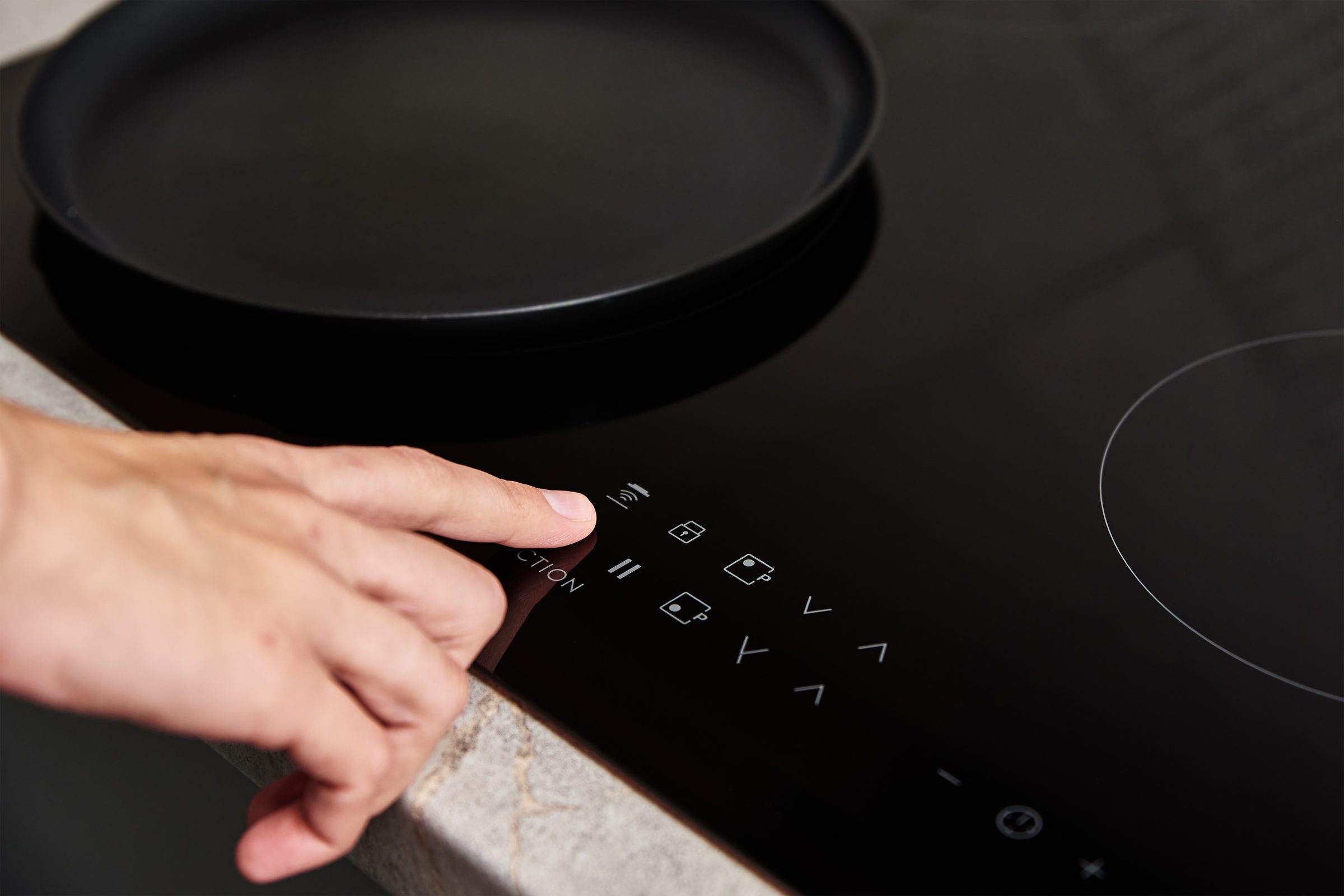
Press any control and watch. A locked cooktop shows a lock symbol or beeps at you; a cooktop with no supply does nothing at all. If it responds, hold the lock key for a few seconds to clear it. If it does nothing, dry the whole glass, then switch the breaker fully off for thirty seconds and fully on again — a double-pole breaker can look set with one leg dropped.
The full guide
The one question that halves the problem
Does it respond to anything at all?
- Yes — a symbol, a beep, a flash. It is locked, or it is protecting itself. Nothing has failed.
- No — nothing whatsoever. It has lost its supply, or the control has stopped.
People describe both as "the cooktop is dead", and they are entirely different afternoons.
Clearing the lock
Hold the lock key — a padlock or a key symbol — for a few seconds. The exact key and the exact duration differ between the CI, CT and CE generations, so it is worth a look at the manual once and remembering it.
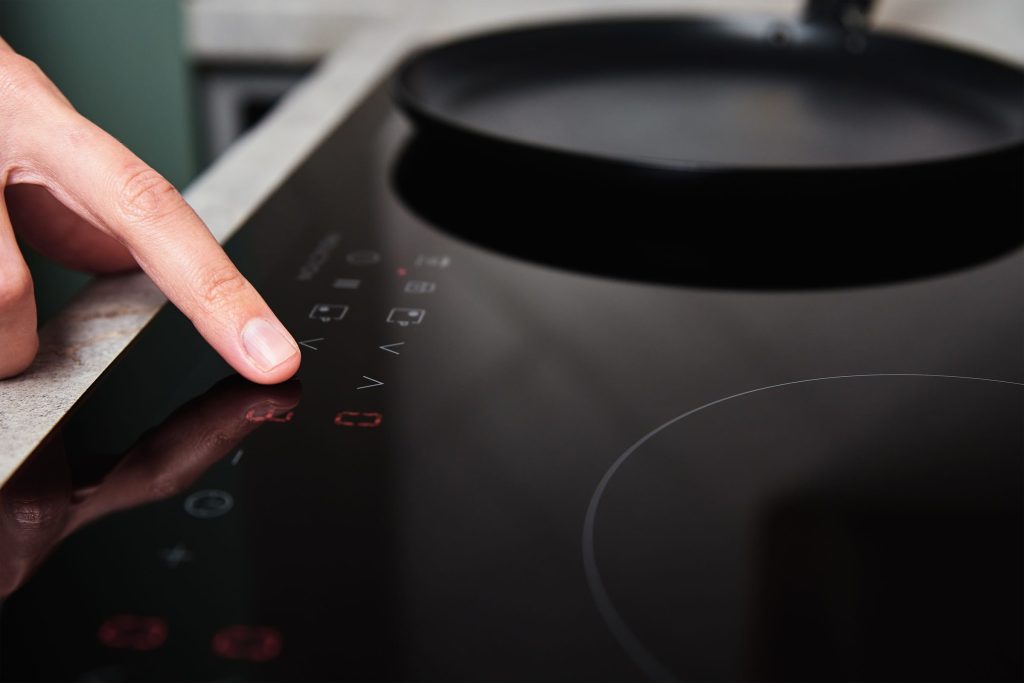
Then dry the whole glass properly, including under anything resting on it. A capacitive panel senses a change in charge, and a film of water spread across the control area looks to it exactly like a very large finger. The manufacturer publishes that as a condition rather than treating it as user error.
The proper power cycle
- Breaker fully off — push firmly, so both legs release.
- Thirty seconds. Long enough for the control to lose its supply rather than pause.
- Fully on.
- Try one zone with a pan a magnet holds firmly.
A cooktop draws across two legs. A double-pole breaker can drop one and still look set, which leaves a lit panel and half or none of the zones heating. Reset it properly rather than looking at it.
If it comes back and then does not
Note the interval. That is the diagnosis.
- Once, after a storm. History.
- Every few days. A failing control, and the pattern is worth more than any description.
- Whenever the oven below is on. Not the control at all — that is heat, and it is usually the cabinet.
If a spill went under the glass
Give it a day, off at the breaker, in a dry kitchen. Moisture on a board produces impossible readings and clears on its own more often than anybody expects, and this is one of the few problems that can be avoided by waiting rather than spending.
When to call
A cooktop that stays dead after a proper reset with a dry panel. One zone that will not work with a known good pan. Or anything with a code on it — this brand publishes network, board and supply conditions separately, and the code says which.
If it turns out to be a repair
What this leads to, and what it costs
Every job on this site is priced the same way: an on-site diagnostic first, the figure agreed in writing before anybody starts.
-
Water reads as a hundred fingers Cooktop controls locked or acting alone
A touch surface that will not respond, or that changes settings by itself. On a glass cooktop the commonest cause is on top of the panel rather than under it, and it costs nothing to fix.
- A panel that ignores every press
- Settings changing by themselves
- A lock symbol nobody set
-
Power, control, or a locked panel Cooktop will not turn on
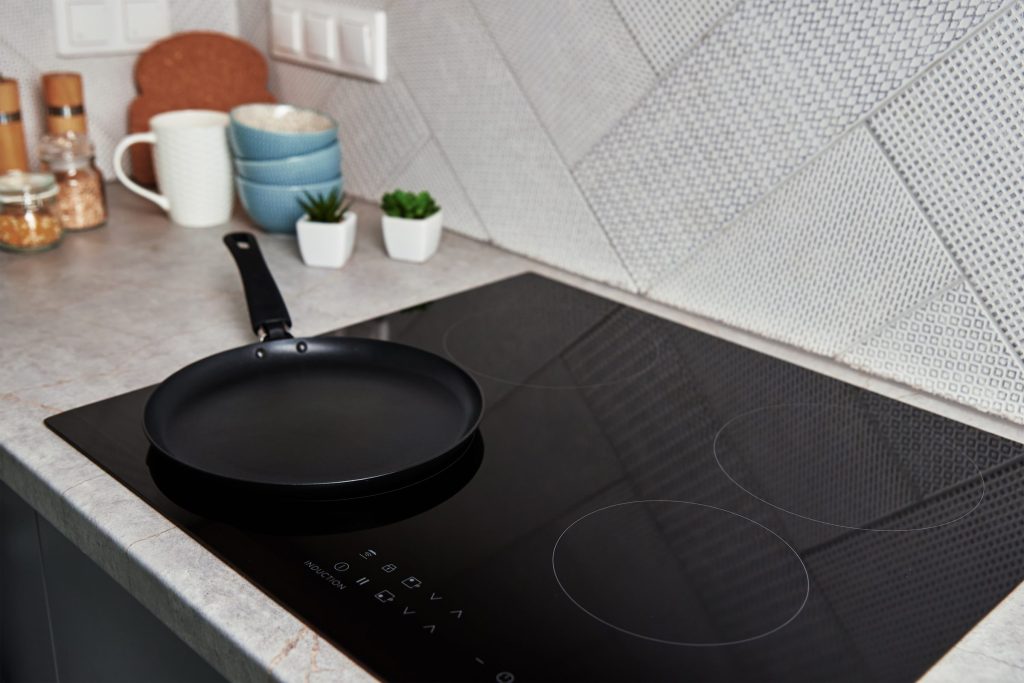
Nothing at all: no display, no beep, no response. On a sealed glass surface with everything underneath it, the useful distinction is between no power arriving and power arriving at something that has stopped.
- Completely dead, no lights at all
- Dead since a power cut or a spill
- A control lock nobody set on purpose
-

Nearly always the pan Induction not seeing the pan
The zone lights up, the pan sits there, and nothing happens. Induction reads the base of the cookware rather than the weight on the glass, and a cooktop that is working perfectly will ignore the wrong pan all day.
- One pan ignored, others fine
- A pan that worked before and does not now
- A zone that starts and stops immediately
-
from $260 Cooktop & induction repair
Most induction call-outs end with an appliance that was working correctly the whole time. This job starts by establishing that, because it costs nothing and it is the honest place to begin.
- Pan and placement ruled out first
- Zone shutdowns traced to what is under the counter
- Generator modules named rather than "the cooktop"
Questions people ask about this
How do I know whether it is locked?
Press something. A locked panel almost always acknowledges you with a symbol or a beep; a cooktop with no power does nothing whatsoever. If there is any response at all, it is locked rather than broken.
I never turned the lock on.
Most people who have it on did not. It is easy to set with a cloth while wiping the glass, and a film of water across the control area is enough on its own.
It reset and came back the same evening.
Note how long. A control that needs restarting repeatedly is failing, and how often is the most useful thing you can tell us.
One zone still does nothing.
Try a known magnetic pan on it, and try the same pan on another zone. If the pan works elsewhere and this zone works with nothing, that zone is the problem.
There was a spill under the edge of the glass.
Then give it a day off at the breaker in a dry kitchen before deciding anything. Moisture on a board reads exactly like a dead board and clears on its own more often than people expect.
Troubleshooting
More guides like this one
-

A Wolf Oven After a Power Cut — Why the Rest of the House Came Back and It Did Not
This equipment runs across two legs of a 240-volt supply while your lights run on one, so a lost leg leaves a happy display and a cold oven. And this brand is unusually specific about what the electricity did.
Read more -
Unlocking a Wolf Microwave — Three Things People Mean by “Locked”
The control lock, a drawer that will not travel, and a door catch the interlocks do not believe. Each has a different answer and only one of them is a repair.
Read more -
A Wolf Microwave Drawer That Will Not Travel — The Reset That Sometimes Works
A drawer that has lost track of where it is often re-finds itself on a power cycle. Where that works, where it does not, and why a drawer problem is much better news than a microwave that runs cold.
Read more
Tell us the model number and what it is doing.
This article is based on:
- Official manufacturer documentation
- Internal repair procedures
- Technician repair history
- Company quality standards