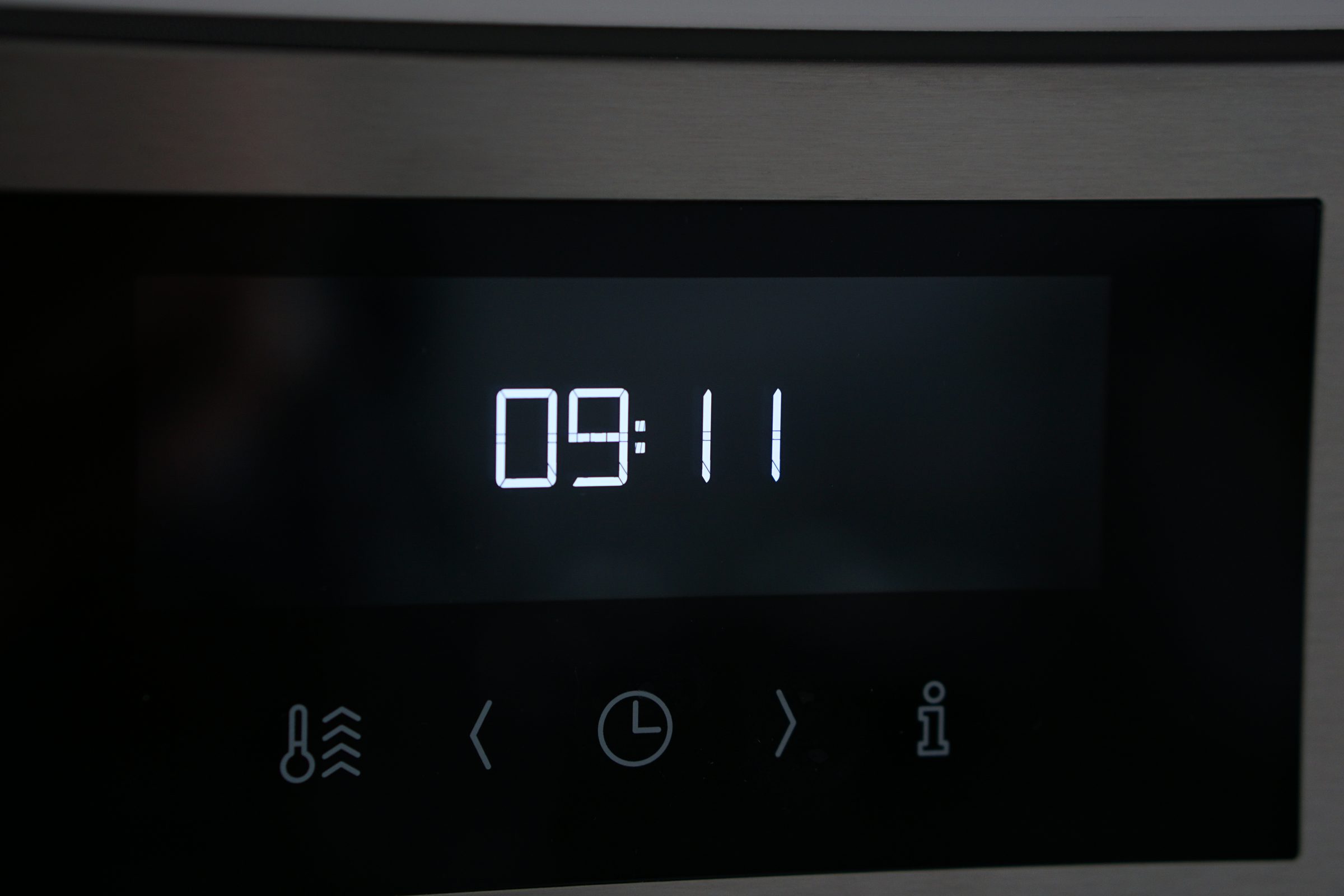
Troubleshooting
Setting the Clock on a Wolf Oven — and Why It Keeps Losing It
The clock lives in the settings menu, and where that menu is depends on the series — M Series ovens use the touch display, the older E and L Series use a key combination. Setting it is a minute's work. An oven that forgets the time every few days is the part worth paying attention to: that is stored configuration being reloaded to defaults, and it usually points at the supply.
The full guide
Where the setting lives
M Series ovens. The touch display carries a settings or options menu, and the clock is in it along with the temperature units and the display brightness.
E and L Series. Older controls use a key combination rather than a menu — usually a mode or options key held while adjusting. It differs between models and it is one of the few things genuinely worth looking up once and writing on a card inside a cupboard door.
All of them. The series letter is what decides the answer, and it is in the model number on the plate behind the door.
Some models hide the clock deliberately or only show it when the oven is idle. If yours has simply stopped displaying the time, look for a display setting before assuming anything is wrong.
The diagnostic buried in this page
Losing the clock once, after a genuine power cut, is ordinary. The appliance lost its supply and came back to defaults.
Losing it every few days, with no outage, is not ordinary, and it is worth acting on. What it usually means:
- Stored settings being reloaded to defaults. This maker publishes exactly that as a condition: configuration data corrupted, defaults used after a reset.
- A supply that keeps dipping. Brownouts brief enough that nothing else in the house notices will still reset a control. This brand publishes under-voltage with an actual range.
- A control that is failing. The least common of the three, and the one the other two have to be ruled out before.
Things worth noting before you call
- How often it loses the time. Weekly and daily are different diagnoses.
- Whether anything else resets — the microwave in the same stack, clocks elsewhere in the house.
- Whether it happens at a particular time of day, which points at something else switching on.
- Any code that appears with it.
The related symptom
An oven that forgets its settings, behaves oddly at start-up, or shows a checksum or configuration message is describing the same area of the appliance. That has a page of its own, and it is worth reading if the clock is not the only thing going astray.
When to call
An oven losing the time repeatedly without a power cut to explain it, one that resets while it is cooking, or one showing a configuration or checksum condition.
If it turns out to be a repair
What this leads to, and what it costs
Every job on this site is priced the same way: an on-site diagnostic first, the figure agreed in writing before anybody starts.
-
Which board stopped talking Oven display blank, frozen or erratic
A display that has gone blank, frozen part-way, or is showing something that makes no sense. The appliance often still works underneath, which is a clue rather than a comfort.
- Blank display and an oven that still heats
- Characters frozen or scrambled
- A communication or checksum message
-
Sometimes the house rather than the oven Oven dead after a power cut
The storm passed, everything else came back on, and the oven did not. On this brand the appliance often has a specific opinion about what the electricity did, and it is worth reading before anybody is called.
- Dead since an outage or a surge
- Working, but complaining about voltage
- A neutral or leg condition on the display
-
from $365 Control board replacement
The board that switches the loads, the control head behind the fascia, or the network between them. On the current generation the code says which of the three, and that is worth a great deal.
- The code names the board before anything is ordered
- Damp and supply ruled out first — both look identical
- Configuration restored so it is your appliance afterwards
-
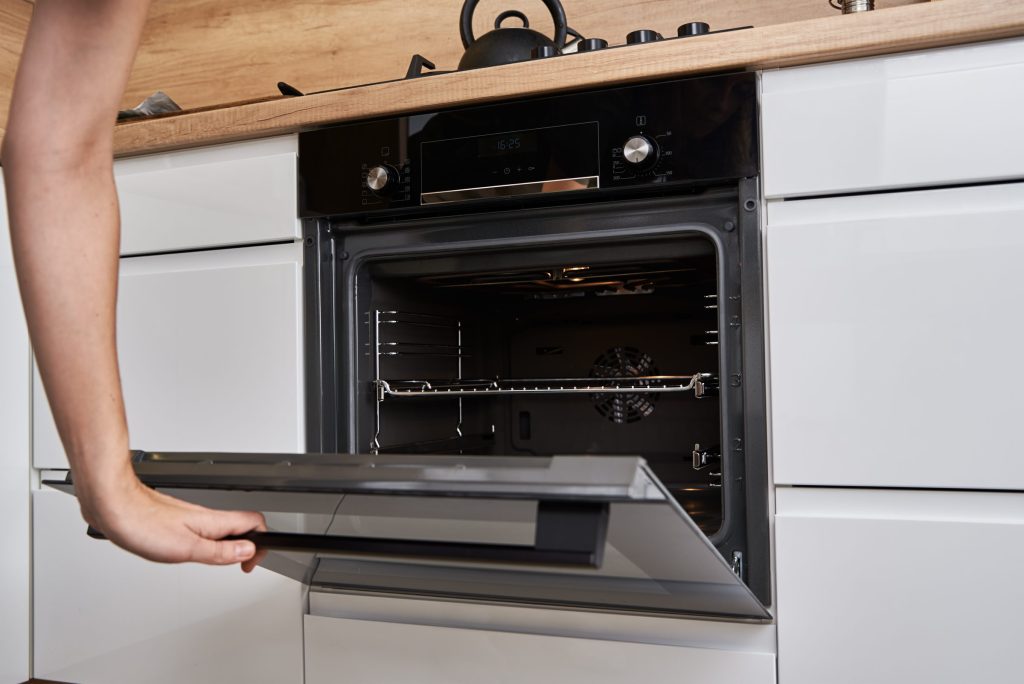
M Series · E Series · L Series · Convection steam · Warming drawer Built-in ovens & steam ovens
Built-in ovens, single and double, the convection steam oven — a different machine with a boiler, a tank and a vent valve in it — and the warming drawer that sits under or beside them. Between them they account for more than half of every error code this brand publishes, and the codes are decoded on this site rather than left as characters on a display.
- The door still locked after a self-clean
- Temperature drifting, or never arriving
- A steam oven asking to be descaled
Questions people ask about this
Why does it lose the clock after every storm?
Because the interruption reloaded its stored settings to defaults, which this maker publishes as its own condition. Once after a genuine outage is ordinary. Repeatedly, with no outage, is not.
There is no clock on my display at all.
Some models hide it, and some show it only when the oven is idle. It is a setting rather than a problem on most, and the manual for your series says which.
Does the clock matter?
For timed cooking and delayed starts, yes. Beyond that it is cosmetic — but an oven that cannot keep it is telling you something about its memory or its supply, and that is not cosmetic.
The clock runs fast or slow.
That is unusual and worth mentioning. The control derives time from the supply frequency on some designs, and a clock that drifts can be reporting an electrical problem.
12-hour or 24-hour?
Both are available on most models, in the same settings menu as the time itself.
Troubleshooting
More guides like this one
-
A Wolf Oven After a Power Cut — Why the Rest of the House Came Back and It Did Not
This equipment runs across two legs of a 240-volt supply while your lights run on one, so a lost leg leaves a happy display and a cold oven. And this brand is unusually specific about what the electricity did.
Read more -
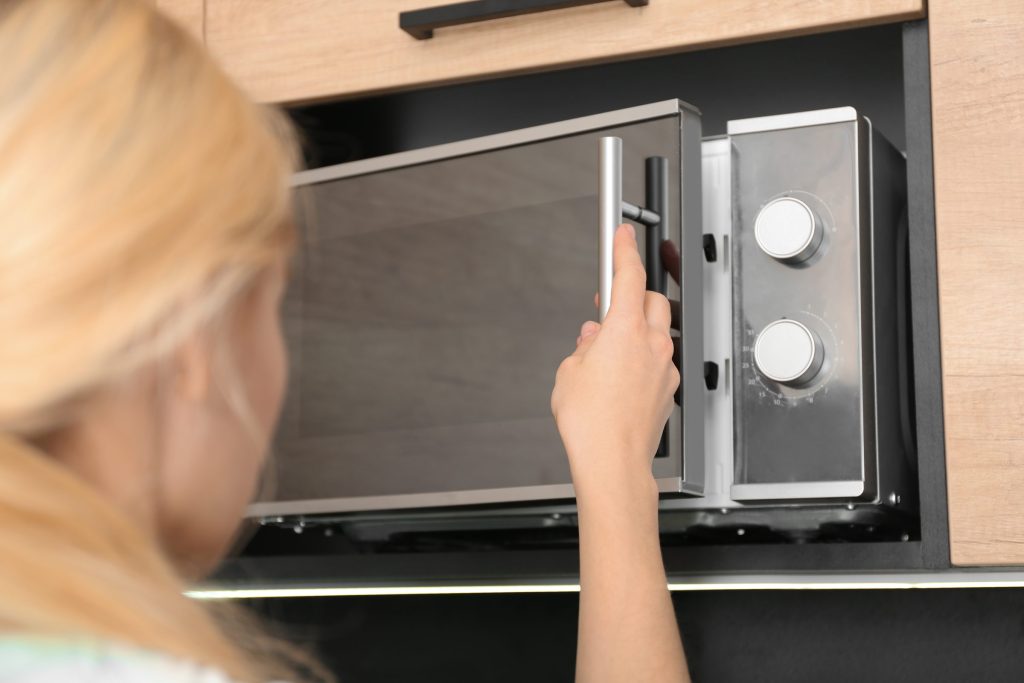
Unlocking a Wolf Microwave — Three Things People Mean by “Locked”
The control lock, a drawer that will not travel, and a door catch the interlocks do not believe. Each has a different answer and only one of them is a repair.
Read more -
A Wolf Microwave Drawer That Will Not Travel — The Reset That Sometimes Works
A drawer that has lost track of where it is often re-finds itself on a power cycle. Where that works, where it does not, and why a drawer problem is much better news than a microwave that runs cold.
Read more
Tell us the model number and what it is doing.
This article is based on:
- Official manufacturer documentation
- Internal repair procedures
- Technician repair history
- Company quality standards