
Troubleshooting
How to Reset a Wolf Oven — and What a Reset Will and Will Not Fix
Photograph the display, then switch the oven off at its breaker — fully off, not standby — wait thirty seconds, and switch it fully back on. That clears a control that has hung and reloads its start-up checks. It does not fix an element, a sensor, a fan or a supply problem, and a code that comes back after a proper reset is telling you something real.
The full guide
How to reset Wolf oven: photograph it first
This is the part people skip and the part that costs money. A code on this brand is unusually informative — on the current generation the last two characters say which cavity and which board reported the problem — and cutting the power erases it permanently.
Thirty seconds with a phone before you touch the breaker is the difference between a technician arriving with the right part and arriving to find out what happened.
Doing it properly
- Photograph the display.
- Find the breaker. A range or built-in oven usually has a double-pole breaker of its own.
- Switch it fully off — not the appliance's power button, which is standby.
- Thirty seconds. Long enough for the control to lose its supply rather than pause.
- Fully on again. Push firmly off first: a double-pole breaker can look set with one leg not re-engaged, which leaves a live display and a cold oven.
- Note what happens, and when.
The last two characters are an address, not decoration
On the current generation the code is four characters, and the pairs are not arbitrary. Two examples straight out of this maker's own published list:
- 0221 is the right or single oven's bake element relay shorted; 0222 is the same condition on the left oven.
- On an M Series wall oven the same two numbers separate upper from lower.
So the code does not only say what happened. It says which cavity and which board said it — and on a double oven that is the difference between a technician bringing one part and bringing two. A photograph of four characters is worth more than any description you can give over the phone, and the breaker erases it.
What the older ranges say instead
If your range predates the four-character codes, it speaks in words rather than numbers, and those are worth writing down exactly as they appear:
- COOL FAN — the cooling fan's own switch reporting the fan has stopped.
- COMM ERR and KEY COMM — two boards that have stopped hearing each other, and which two is the whole diagnosis.
- LOWER RELAY — the lower oven reporting back something its control did not expect.
- FUSES WRONG — which sounds like the supply and is a configuration setting inside the controller.
A word code is easier to read and just as easy to lose. It goes when the power does.
What a reset genuinely fixes
- A control that has hung mid-cycle, often after a power interruption.
- Start-up state that did not load cleanly, which this maker publishes as its own condition.
- A capacitive panel that calibrated around a cloth left on it, which is a surprisingly large share of "the controls have gone".
- A drawer or a lock that lost track of its position.
What it does not fix
An element, a sensor, a fan, a relay, a door lock mechanism or your electricity supply. If the appliance had a physical problem before the reset, it has the same one afterwards — the reset simply clears the message about it.
A code that survives a reset is a good code. It means the appliance is reporting a real condition rather than a hiccup, and that makes the diagnosis narrower rather than worse.
When a reset is the wrong move
When the oven is heating with nothing selected. Cut the breaker and leave it off — that is a stuck relay, not something to restart. This maker publishes it as its own condition, in as many words: a drive relay closed when it should be open. An appliance that heats without being asked has a contact welded shut, and restarting it only restores power to the thing that is stuck.
When there is a burning smell. Same answer.
When the door is locked after a clean cycle and the oven is still hot. Wait for it to cool first; the lock releases on temperature and a reset will not hurry it.
When to call
A code that returns after a proper reset. A control that needs restarting every few days. Anything accompanied by heat you did not ask for.
Tell us what the display said before the reset, how long it stayed clear afterwards, and whether the power has been interrupted recently.
If it turns out to be a repair
What this leads to, and what it costs
Every job on this site is priced the same way: an on-site diagnostic first, the figure agreed in writing before anybody starts.
-
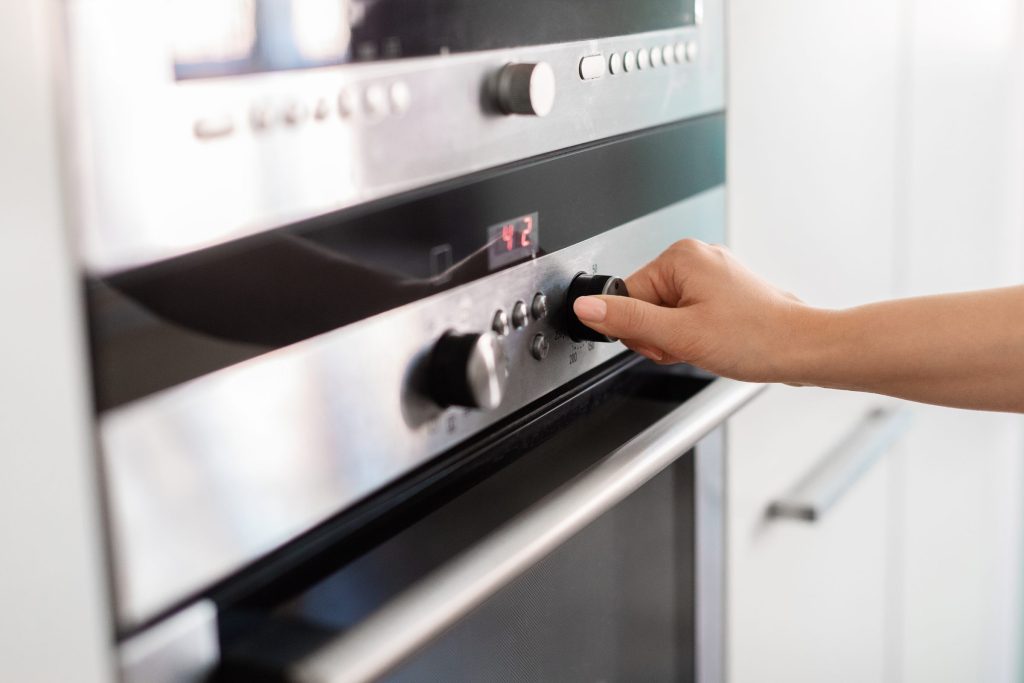
Which board stopped talking Oven display blank, frozen or erratic
A display that has gone blank, frozen part-way, or is showing something that makes no sense. The appliance often still works underneath, which is a clue rather than a comfort.
- Blank display and an oven that still heats
- Characters frozen or scrambled
- A communication or checksum message
-
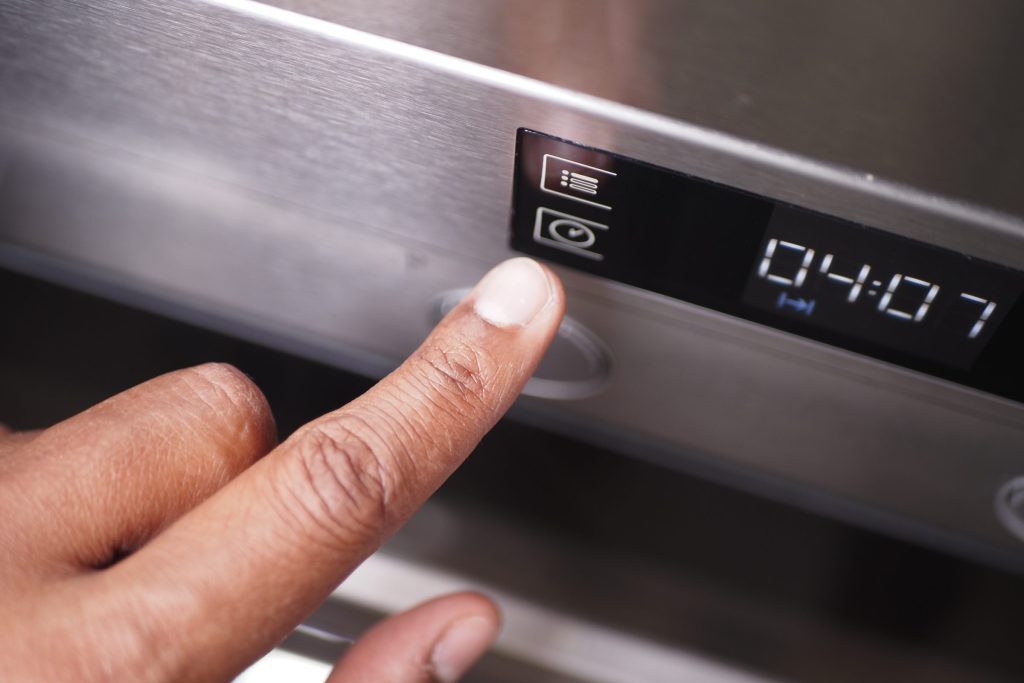
Dry it before you diagnose it Oven controls not responding
A panel that ignores you, presses its own buttons, or answers some keys and not others. On a capacitive panel the commonest cause costs nothing to fix and takes thirty seconds.
- Keys that do nothing, or act by themselves
- A panel that woke up strange this morning
- A published key or pad condition on the display
-
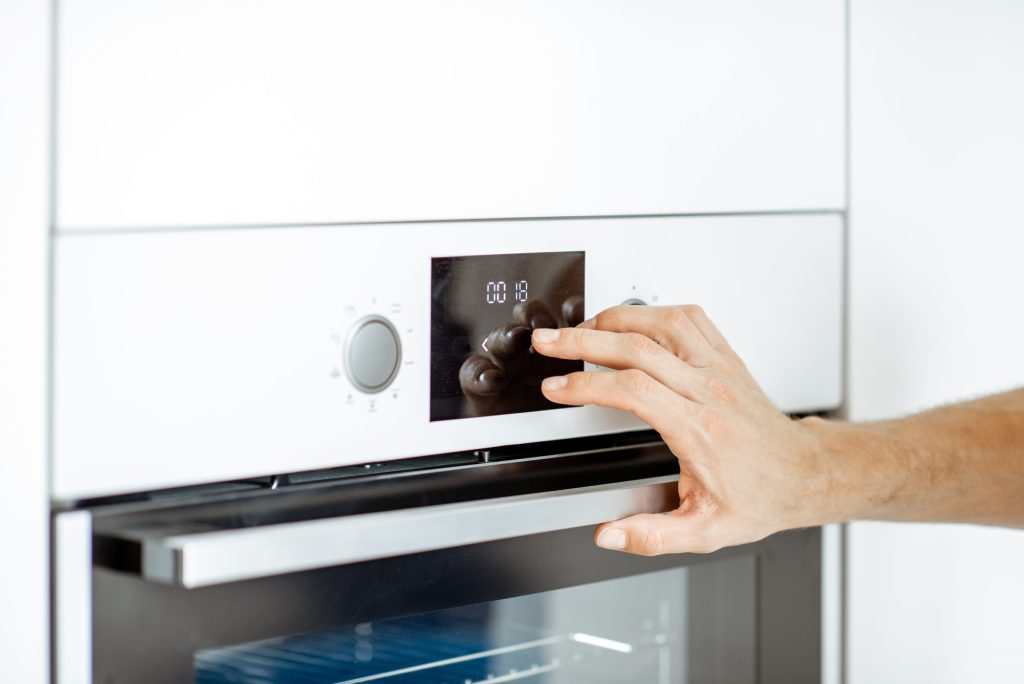
Sometimes the house rather than the oven Oven dead after a power cut
The storm passed, everything else came back on, and the oven did not. On this brand the appliance often has a specific opinion about what the electricity did, and it is worth reading before anybody is called.
- Dead since an outage or a surge
- Working, but complaining about voltage
- A neutral or leg condition on the display
-
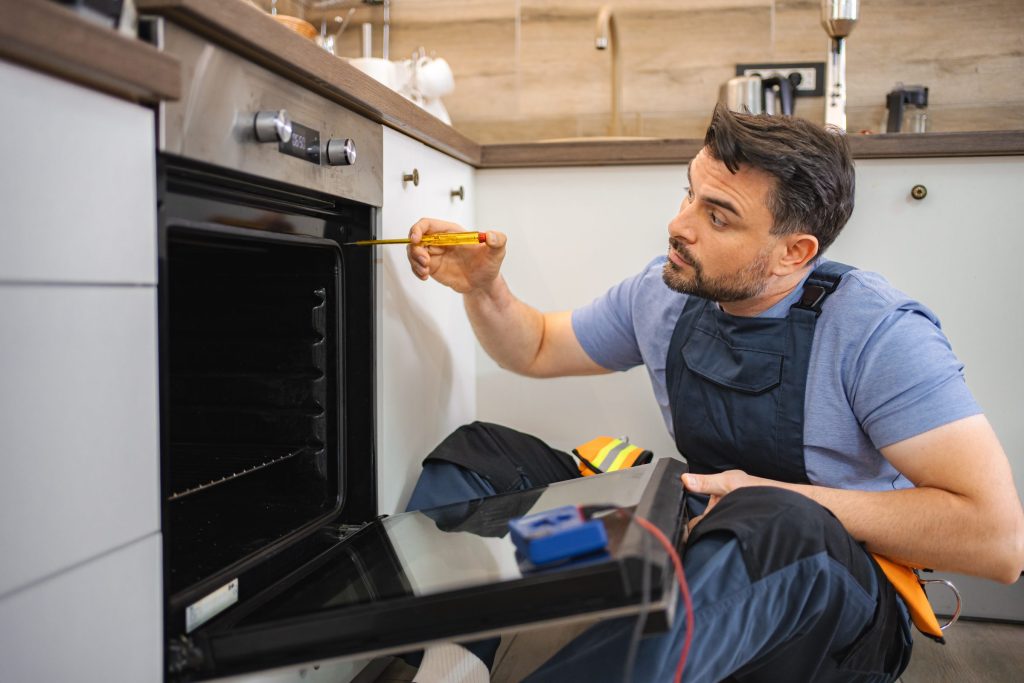
from $95 Diagnostic visit
Somebody who works on this equipment every week, in front of your appliance, telling you what is wrong and what it costs to put right. Credited against the repair if you go ahead.
- Codes read out of the control, not guessed at
- A written figure before any work starts
- Credited to the repair when you go ahead
Questions people ask about this
Is the appliance power button not enough?
Usually not. It puts the control into standby rather than removing its supply, and what a reset is trying to do is give the board a genuine cold start.
Why thirty seconds?
So the stored charge drains and the control actually restarts rather than resuming. A flick of the breaker often changes nothing.
The code came straight back.
Then it is real, and that is genuinely useful information rather than a failure of the reset. A condition that survives a cold start is a condition worth diagnosing.
It came back a week later.
Note the interval. A control that needs a restart every few days is failing, and the pattern is the most valuable thing you can bring us.
Will a reset lose my settings?
It can, particularly if the stored settings were the problem. Clock, preferences and any offset may need setting again, and an oven that forgets them repeatedly is itself a symptom.
Troubleshooting
More guides like this one
-
A Wolf Oven After a Power Cut — Why the Rest of the House Came Back and It Did Not
This equipment runs across two legs of a 240-volt supply while your lights run on one, so a lost leg leaves a happy display and a cold oven. And this brand is unusually specific about what the electricity did.
Read more -
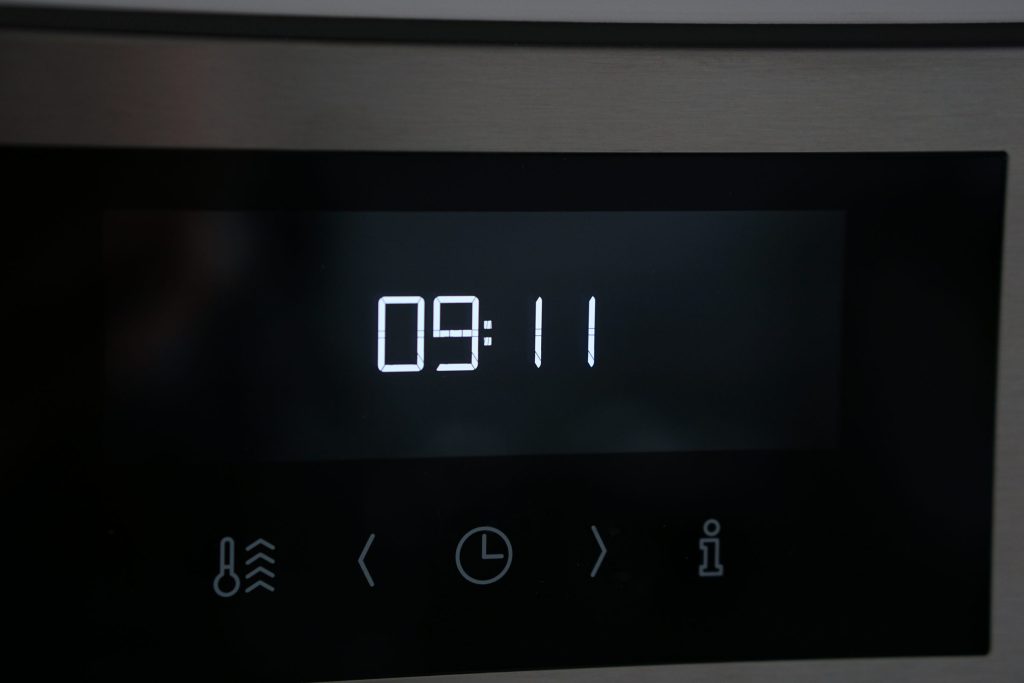
Setting the Clock on a Wolf Oven — and Why It Keeps Losing It
A small how-to with a diagnostic buried in it. An oven that forgets its clock every few days is telling you about its supply or its stored settings, and both are published conditions on this brand.
Read more -
Unlocking a Wolf Microwave — Three Things People Mean by “Locked”
The control lock, a drawer that will not travel, and a door catch the interlocks do not believe. Each has a different answer and only one of them is a repair.
Read more
Tell us the model number and what it is doing.
This article is based on:
- Official manufacturer documentation
- Internal repair procedures
- Technician repair history
- Company quality standards
 English