Error code
Wolf electric cooktop error code E69
Wolf error code E69: the control's own software or stored settings did not check out, on an electric cooktop, a sealed sheet of glass with the entire control under it. What the code covers, what to check first, and what it does not tell you — on cooktops & rangetops.
- From $95 diagnostic, credited to the repair
- 59 cities and neighborhoods covered
- OEM parts available on order
- In writing the price, before anything is opened
What we can confirm
Code E69, from the manufacturer's own documentation
A code is only meaningful together with the generation showing it — the same two digits mean different things across generations, and that is the commonest reason a code looked up online leads somewhere wrong. This one is recorded on CT electric cooktop.
The code
E69
The control's own software or stored settings did not check out, on an electric cooktop, a sealed sheet of glass with the entire control under it
or call (305) 449-9681
What it narrows down to
Power RAM error
What you are probably seeing
Diagnostic
From $95, credited to the repair
What it looks like from the kitchen
The symptom this code usually arrives with
A code names the subsystem; the symptom is what sent you to look at the display in the first place. That page says what it usually turns out to be, cheapest cause first.
-
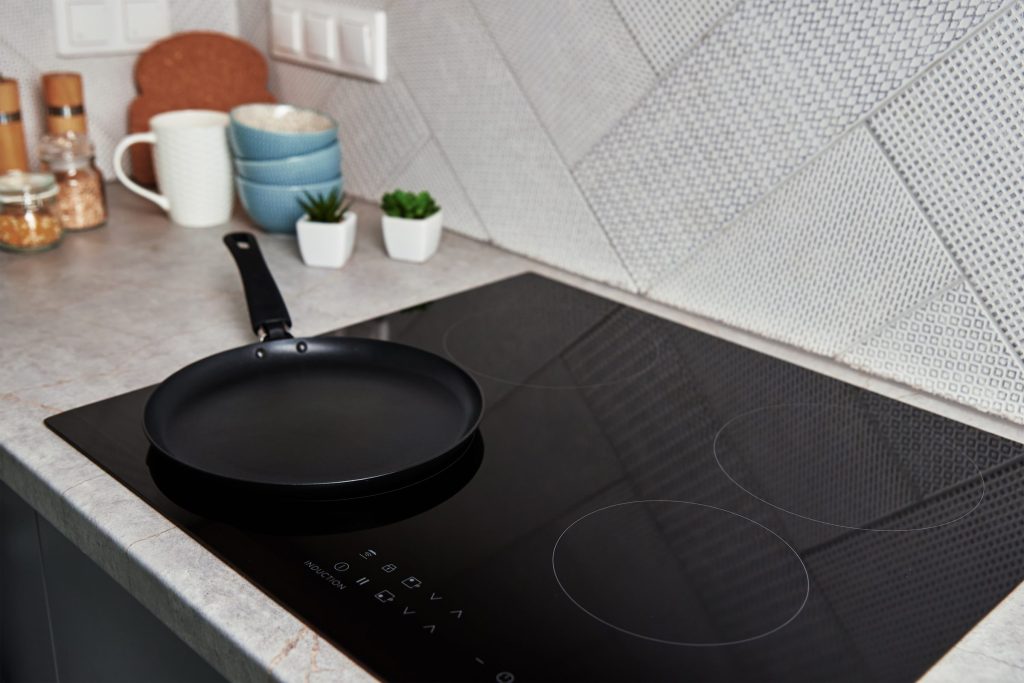
Power, control, or a locked panel Cooktop will not turn on
Nothing at all: no display, no beep, no response. On a sealed glass surface with everything underneath it, the useful distinction is between no power arriving and power arriving at something that has stopped.
- Completely dead, no lights at all
- Dead since a power cut or a spill
- A control lock nobody set on purpose
On the same generation
What else belongs to the CT electric cooktop
A code belongs to a generation rather than to one cabinet. These are the other codes yours can show, and the models that can show this one — a display often has more than one thing to say, and the model number decides what any of it costs to put right.
Other codes this generation can display
Ambient temperature too high
Generator heat sink temperature too high
Open ambient thermistor
Shorted sensors
Model value change
Display board detected network error
No published cause
Keyboard calibration error
The same two digits mean different things across generations. Search the full code list
In more detail
About Wolf electric cooktop error code E69
What this one means
The control's own software or stored settings did not check out, on an electric cooktop, a sealed sheet of glass with the entire control under it. It is a code the manufacturer publishes for this appliance, not one we have worked out — and it is decoded here rather than left as three characters on a display.
What the code covers
A published cause names a circuit rather than a component, which is the single most useful thing to know before ordering a part. This one covers:
- Stored configuration corrupted, often after a power event
- A software update that did not complete
- The processor or its memory
- Power RAM error
What to try yourself
- Take everything off the glass, including a cloth or a hot pan lid over the controls
- Switch the breaker off for thirty seconds and back on
Then what
Some of these clear on a restart with the defaults reloaded, which is why the appliance may work afterwards but forget your settings. One that repeats needs the control reloaded or replaced, and that is a service tool rather than a menu.
This code is published for cooktops & rangetops. The full list of codes has the rest of them, searchable, including the labels older and newer machines use for the same conditions.
This article is based on:
- Official manufacturer documentation
- Internal repair procedures
- Technician repair history
- Company quality standards