Error code
Wolf built-in oven error code: touch sensor
Wolf error code, the kind with no number: touch sensor on a built-in oven — the control panel is reporting a key or a sensing pad that is not behaving, on a built-in oven, where every part named here sits behind trim that is screwed into the cabinetry rather than behind a panel that slides out. What it covers, what to check first, and what it does not tell you, on built-in ovens & steam ovens.
- From $95 diagnostic, credited to the repair
- 59 cities and neighborhoods covered
- OEM parts available on order
- In writing the price, before anything is opened
What we can confirm
Code TOUCH SENSOR, from the manufacturer's own documentation
This code has no number, because this equipment has no display to put one on. The appliance signals it instead — an alarm, a symbol or a pattern of lights — and what it means is recorded in the documentation that ships with it, for M Series.
The code
TOUCH SENSOR
The control panel is reporting a key or a sensing pad that is not behaving, on a built-in oven, where every part named here sits behind trim that is screwed into the cabinetry rather than behind a panel that slides out
or call (305) 449-9681
What it narrows down to
Touch pad sensor error
What you are probably seeing
Diagnostic
From $95, credited to the repair
What it looks like from the kitchen
The symptom this code usually arrives with
A code names the subsystem; the symptom is what sent you to look at the display in the first place. That page says what it usually turns out to be, cheapest cause first.
-
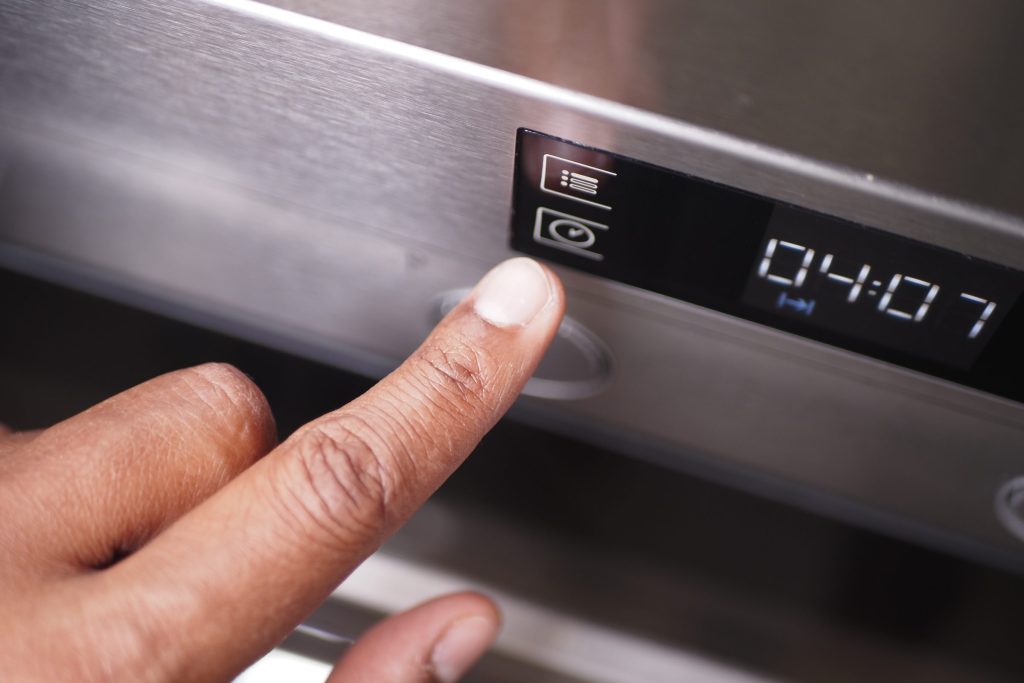
Dry it before you diagnose it Oven controls not responding
A panel that ignores you, presses its own buttons, or answers some keys and not others. On a capacitive panel the commonest cause costs nothing to fix and takes thirty seconds.
- Keys that do nothing, or act by themselves
- A panel that woke up strange this morning
- A published key or pad condition on the display
On the same generation
What else belongs to the M Series
A code belongs to a generation rather than to one cabinet. These are the other codes yours can show, and the models that can show this one — a display often has more than one thing to say, and the model number decides what any of it costs to put right.
Other codes this generation can display
Lower right convection element relay shorted
Upper bake element DLB shorted
Lower bake element DLB shorted
Upper broil element relay shorted
Lower broil element relay shorted
Upper left convection element relay shorted
Lower left convection element relay shorted
Upper broil element DLB shorted
Lower broil element DLB shorted
Auxiliary DLB shorted
The same two digits mean different things across generations. Search the full code list
In more detail
About Wolf built-in oven error code: touch sensor
What this one means
The control panel is reporting a key or a sensing pad that is not behaving, on a built-in oven, where every part named here sits behind trim that is screwed into the cabinetry rather than behind a panel that slides out. This is a code without a number: the panel spells it out in words rather than digits, which is how the older controls on this make report a handful of conditions. What it means comes from the manufacturer's own documentation rather than from us.
How it shows on the display
There is no number to write down here, so this is what the panel actually shows:
- TOUCH SENSOR
What sets it off
An alarm is deliberately broad — it tells you the cabinet noticed something, not which part is responsible. This one comes on for:
- A key held down by something resting on the panel
- A capacitive pad reading a wet cloth as a finger
- The touch board itself, once the panel is dry and clear
- Touch pad sensor error
- Touch sensor error
What to try yourself
- Note which cavity it is on a double oven — the code says upper or lower and that is half the diagnosis
- Wipe the panel dry and take everything off it, including a towel over the handle
- Switch the breaker off for thirty seconds so the panel recalibrates on power-up
Then what
Capacitive panels calibrate to what they can see when they wake, which is why a cloth left on one at power-up produces an error that a reset clears. If it survives a clean, dry restart, it is the board.
This one appears on built-in ovens & steam ovens. The full list of codes has the rest of them, searchable, including the labels older and newer machines use for the same conditions.
This article is based on:
- Official manufacturer documentation
- Internal repair procedures
- Technician repair history
- Company quality standards